
Calendly: Meeting Scheduling
Calendly LLC
Downloads
1,000,000+
Source
Google Play
Advertisement
Click to download now, finish the installation quickly, and directly unlock the all-round experience
Advertisement
Screenshots
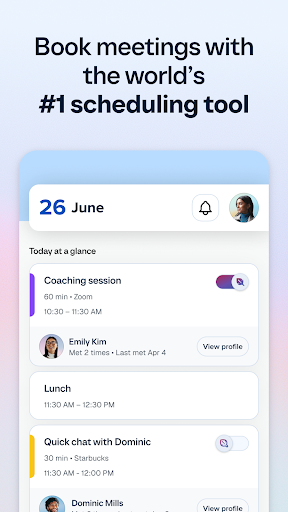
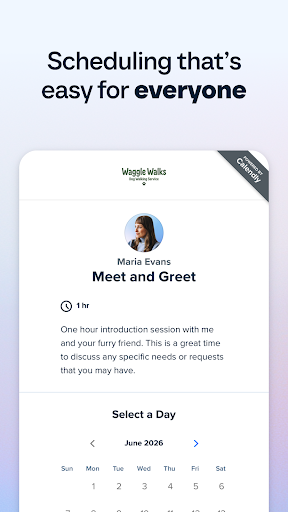

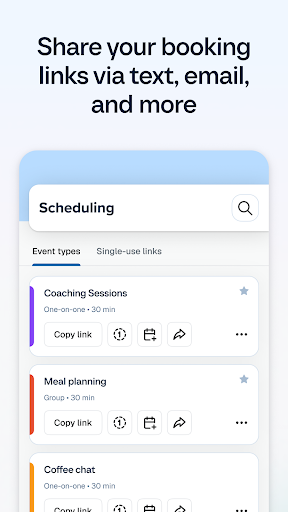
Click to download now, finish the installation quickly, and directly unlock the all-round experience
Calendly: Meeting Scheduling helps people share times when they are available and let others choose a meeting slot. It suits professionals, freelancers and teams who book appointments or recurring work meetings and want invitees to choose from set availability instead of negotiating times by message. The Android app is particularly handy when you need to send a scheduling link away from your desk.
Set your availability preferences and share a Calendly link by copying it into an email, text or another app. The other person picks an available time, and the event is added to your calendar. Calendly supports Google, Outlook, Office 365 and iCloud calendars, helping keep scheduled meetings from overlapping with existing events. You can also set buffers between meetings, restrict last-minute bookings and create event types that are not publicly listed.
The service supports one-to-one meetings as well as round-robin and collective availability, so it can serve an individual or a group coordinating who will meet. Time-zone detection helps show invitees times in their local zone. Calendly also connects with services including Zoom, Google Meet, Salesforce, GoToMeeting and Zapier, which can be useful if those are already part of your work process.
Calendly LLC’s Business app has a 4.65-star rating from 19,524 ratings and more than 1,000,000 installs. Those figures indicate an established scheduling tool, but its value depends on how often you arrange meetings. If you regularly send availability to clients or colleagues, a reusable link can save repeated coordination. If you rarely book meetings, the app may add little to your routine.